How to make a Faux Leather Spring Bunny Purse Charm with a Cricut
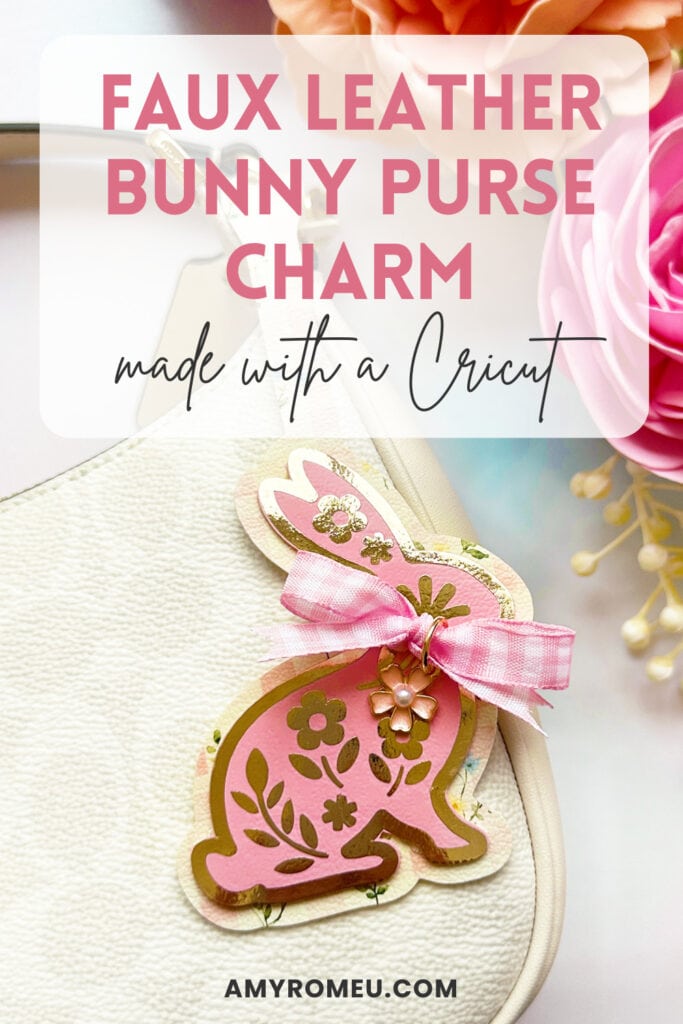
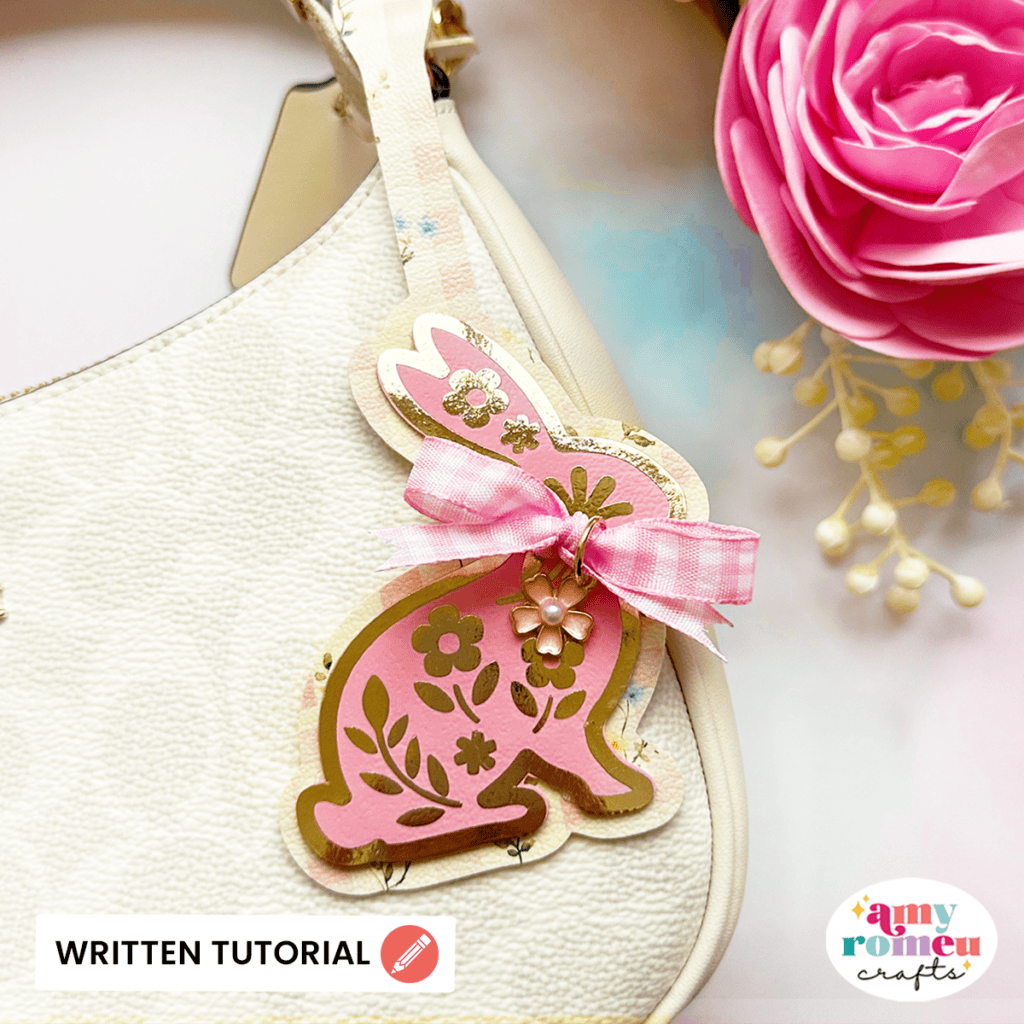
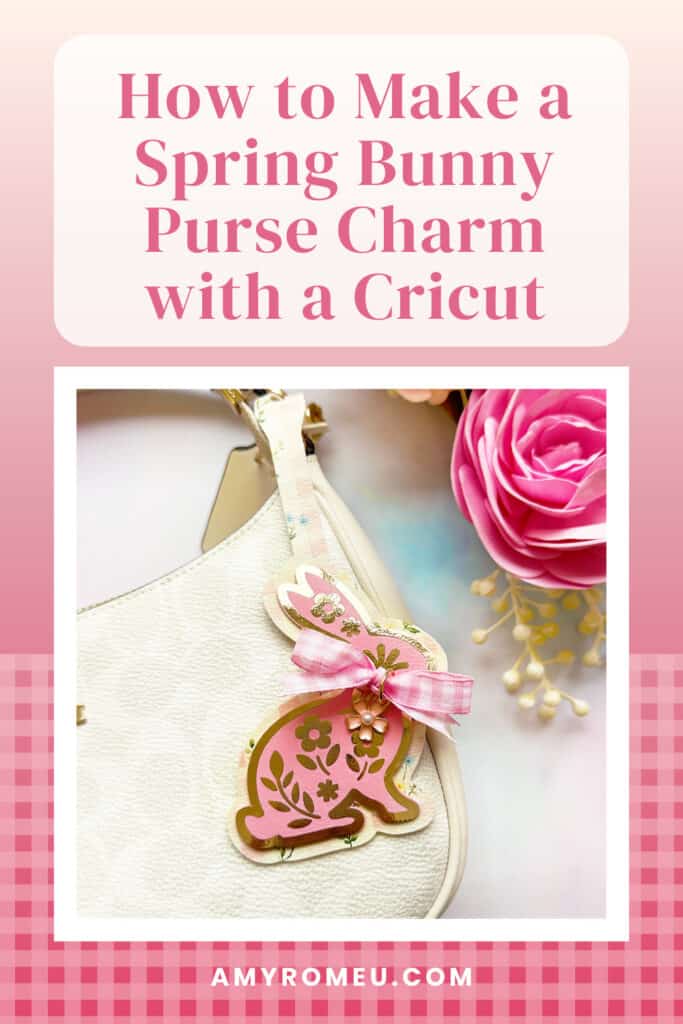
Learn how to make this Spring Bunny Purse Charm with your Cricut using faux leather and heat transfer vinyl.
This spring bunny purse charm is the perfect spring craft project, whether you’re keeping it for yourself or gifting it as a spring accessory.
In this tutorial I’ll show you how a bonus tip of adding HTV to the back of the purse charm before cutting for a polished look. The SVG file is available in my shop if you want to make this project!
Ready to get started? Let’s dive into the materials and steps!
Step 1: Get the SVG Template
Get the SVG in my Shop
Personal or Small Commercial Use Available
Step 2: Shop the Supplies
This page contains some affiliate links (which means if you make a purchase after clicking a link, I will earn a small commission at no additional cost to you). Read my full disclosure policy here.
Compatible Machines✅: Cricut Maker, Cricut Maker 3, Cricut Maker 4, Cricut Explore Air 2, Cricut Explore 3, Cricut Explore 4, Cricut Explore 5, Cricut Joy Xtra, Cricut Joy & Cricut Joy 2 (with the 12 inch long Joy mat)
Not Compatible Machines❌: none
Blade Used: Standard Fine Point Blade
Cut Setting Used✂️: Faux Leather (Paper Thin) with “More” pressure
- Faux Leather & Heat Transfer Vinyl
- Use any smooth faux leather you’d like. I used this solid pink and this paster gingham print. I ordered both in 9×12 sheet size and Portrait Orientation. For the print I ordered Regular Scale.
- For the HTV I used Cricut Foil Iron On in Rose Gold.
- Other Project Supplies
- Fabric Glue – I used Beacon Fabri-Tac
- Ribbon (optional) – I used this 3/8 inch gingham ribbon from Michaels
- Charm (optional) – I used these Flower Charms (these Flower Charms are nice, too)
- Jewelry Pliers like these Flat Nose Pliers & these Chain Nose Pliers
- 10mm Jump Rings
- Other Cricut Supplies
- Blue Painters Tape
- Small Curved Scissors
- Teflon Sheets
- Purple Strong Grip Mat
- Green Standard Grip Mat
- Weeding Tool like a Pin Pen or like the one in the Cricut Basic Tool Set
- Cricut EasyPress Mini
- EasyPress Mat, 8×10 size
🛒 To shop many of these supplies below in my Amazon storefront, click here.
Step 3: Make the Project
Set Up Your Design
- Open a new canvas in Cricut Design Space.
- Upload the Spring Bunny Purse Charm SVG file to your canvas.
- The two purse charm shapes will cut from faux leather and the decorative flower layer will cut from heat transfer vinyl.
Prepare to Cut
- Click Make It.
- Mirror your mats, since you’ll be cutting the faux leather and heat transfer vinyl face down.
- Choose the Faux Leather (Paper Thin) material setting with More pressure for the faux leather mat.
- Choose the manufacturer’s recommended cut setting for the type and brand of heat transfer vinyl you are using.
- Trim your pieces of faux leather to a size just larger than the size shown in the mat preview screen.
Press HTV on Back of Purse Charm Before Cutting (optional)
- If desired, you can press HTV onto the back of the larger faux leather before cutting. This adds some stiffness to the purse charm and adds a professional look and a pop of color.
- To do this, cut a piece of heat transfer vinyl or foil iron-on just slightly smaller than the cut piece of faux leather.
- Place the faux leather and the HTV back to back and lay them flat, faux leather side down, on a heat pressing pad or other protective surface.
- Preheat an Easy Press to 265 degrees or set an Easy Press Mini to the Low setting.
- Cover the HTV with a Teflon sheet or cover sheet and press for about 10 seconds.
- Slowly peel away the clear vinyl cover sheet. If it peels easily, remove it. If not, re-press for another 5-10 seconds at a time.
- Place the warm faux leather shape under your heat pressing pad to cool for 1-2 minutes.
📺You can watch a video tutorial that shows how to press HTV onto the back of a piece of faux leather before cutting here.
Cut the Faux Leather
- Place the faux leather pretty side down on a Strong Grip (purple) mat.
- Secure all edges with blue painter’s tape.
- Load the mat into your Cricut.
- Press the C button to begin cutting.
- When the cut is complete, without unloading the mat, use a sharp tool to gently lift the edge and check the cut.
- Repeat the cut if necessary by pressing the cut button again.
- Once the cut is complete, unload the mat and remove the shapes.
Cut the Heat Transfer Vinyl
- Cut the flower bunny layer from heat transfer vinyl. This is an intricate design, so you’ll want a good quality, easy to weed heat transfer vinyl and a weeding tool with a small tip. I like Pin Pen Weeding Tools for projects like these.
- Weed away the excess HTV.
Press the HTV onto the Bunny
- Press the HTV layer onto the faux leather bunny shape with an EasyPress Mini on Low or an EasyPress set to 265°F.
- Cover the HTV and faux leather before applying heat with a Teflon sheet, butcher paper, or parchment paper.
- Press for 7-10 seconds all over. Carefully try to peel the HTV layer. If it doesn’t come up easily, cover and press again. If necessary, let the HTV layer cool for about 60 seconds before trying to peel. This is often helpful with detailed HTV layers.
- Place the warm bunny shape under your heat pressing pad for a minute or two so it cools flat.
Glue the Faux Leather Layers
- Use a good fabric glue or craft glue to glue the top bunny layer to the bottom faux leather purse charm layer.
- Place the glued shapes under a heavy book to dry for at least an hour.
Embellish the Purse Charm
- If desired, tie a bow around the bunny’s neck with some thin ribbon.
- Add a charm to the bow using a 10mm jump ring if desired.
- Loop the purse charm tail end around the purse strap. Thread the decorated bunny through the slit in the purse charm and pull gently.
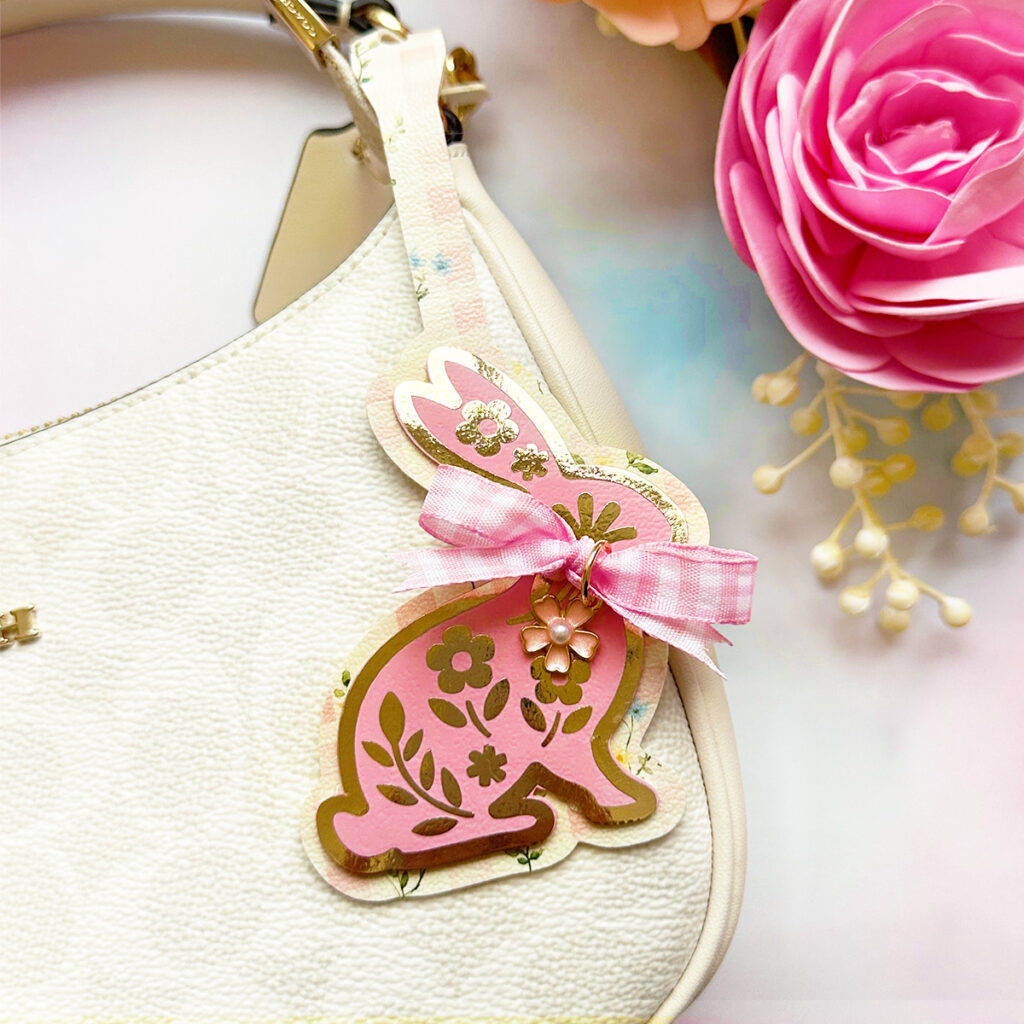
Your Spring Bunny Purse Charm is complete! What colors will you use to make yours? Let me know in the comments!
Answers to your questions about making a Faux Leather Spring Bunny Purse Charm
Q: Which Cricut machines will cut faux leather?
A: You can cut faux leather with any of the current Cricut machines because they all cut faux leather with the standard fine point blade included with each machine. For this project you can use the Cricut Maker, Cricut Maker 3, Cricut Maker 4, Cricut Explore 5, Cricut Explore 4, Cricut Explore 3, Cricut Explore Air 2, the Cricut Joy Xtra or the Cricut Joy.
Q: What do I need to press heat transfer vinyl onto faux leather?
A: To press heat transfer vinyl onto faux leather you’ll need a traditional heat press, Cricut EasyPress, or Cricut EasyPress Mini. I used a Cricut EasyPress Mini for this project because it’s great with pressing small projects like earrings, keychains, and accessories. I set the EasyPress Mini to the Low setting and covered the HTV on the faux leather with a Teflon sheet before pressing for about 10 seconds. For a larger EasyPress I set it to 265 degrees F.
Q: How do I get the SVG template for this project?
A: Get the SVG file from my SVG Shop here.
Get the SVG in my Shop
Personal or Small Commercial Use Available
More Spring projects you’ll love
Also available in my SVG Shop
Share Your Work & Ask Questions
I would love to see what you have created! Please join my free faux leather crafting making Facebook group and share your creations with me and all of my crafting friends!
Until next time… and happy creating!

Pin this project to your favorite Pinterest board!
Want instant access to my Free Resource Library full of SVG files?
Just Enter your name and email Below!
By signing up, you’ll get instant access to my FREE SVG Library with hundreds of crafting SVG templates! You’ll also get my weekly newsletter full of crafting ideas, tutorials, and inspiration! Unsubscribe anytime.