DIY Faux Leather Travel Earring Holder
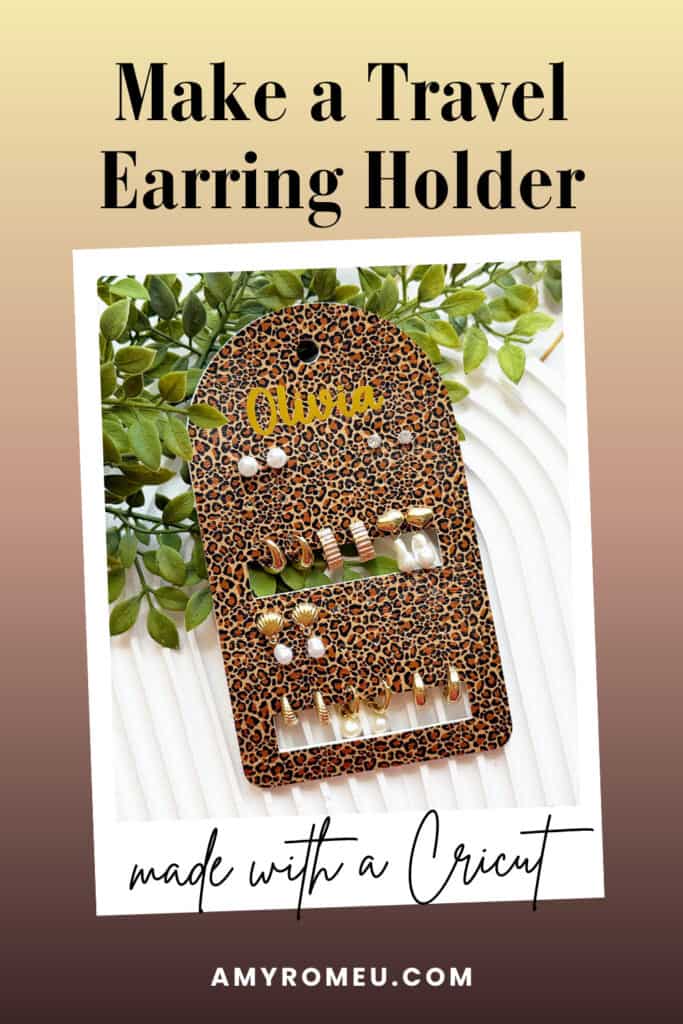
My daughter travels a lot as a high school athlete, and she wanted a fun way to take her earrings with her on the go.
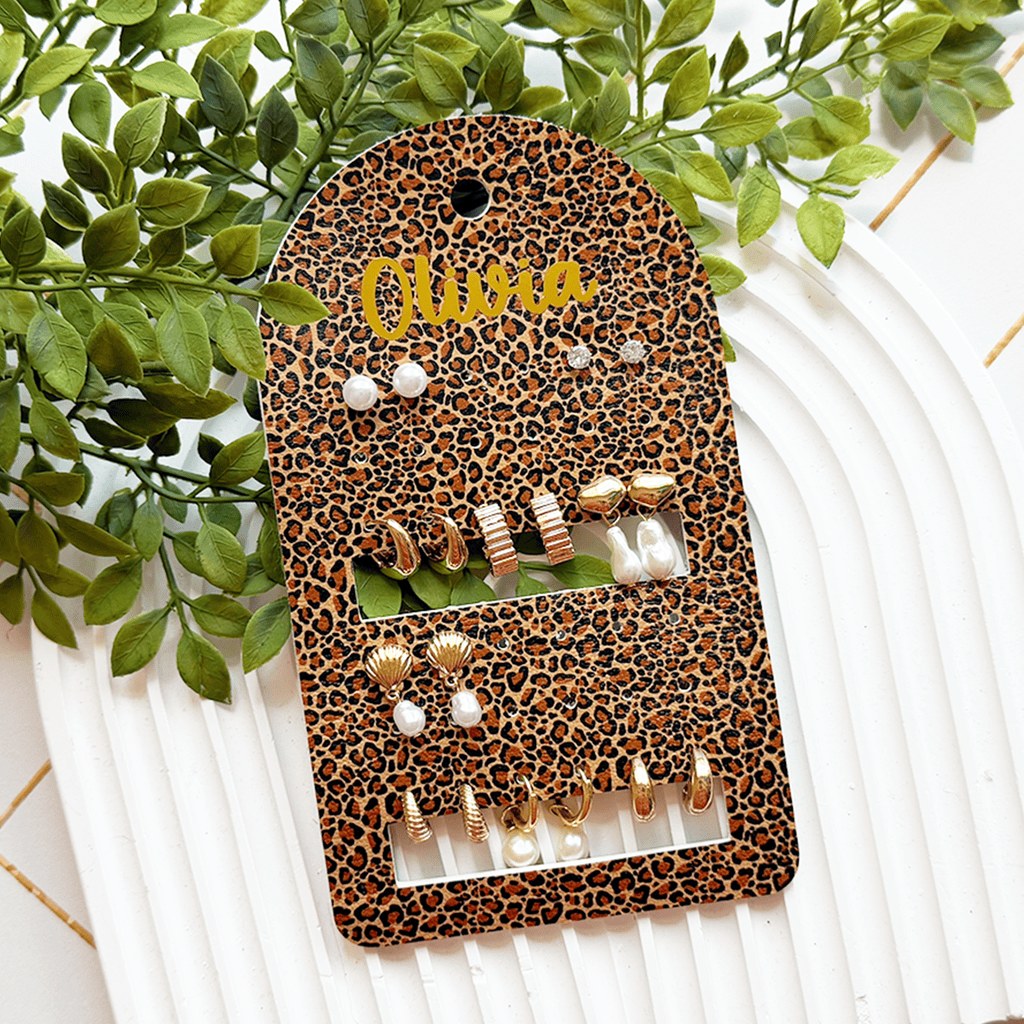
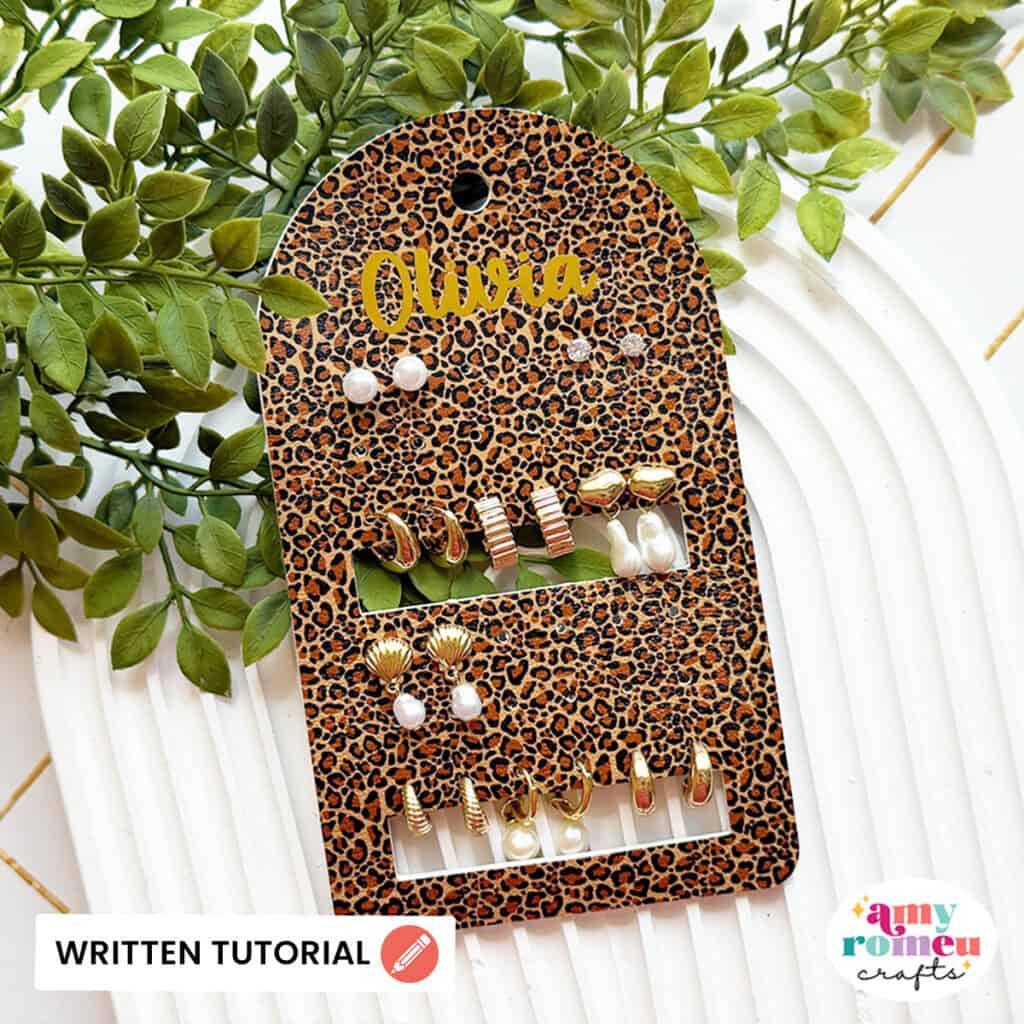
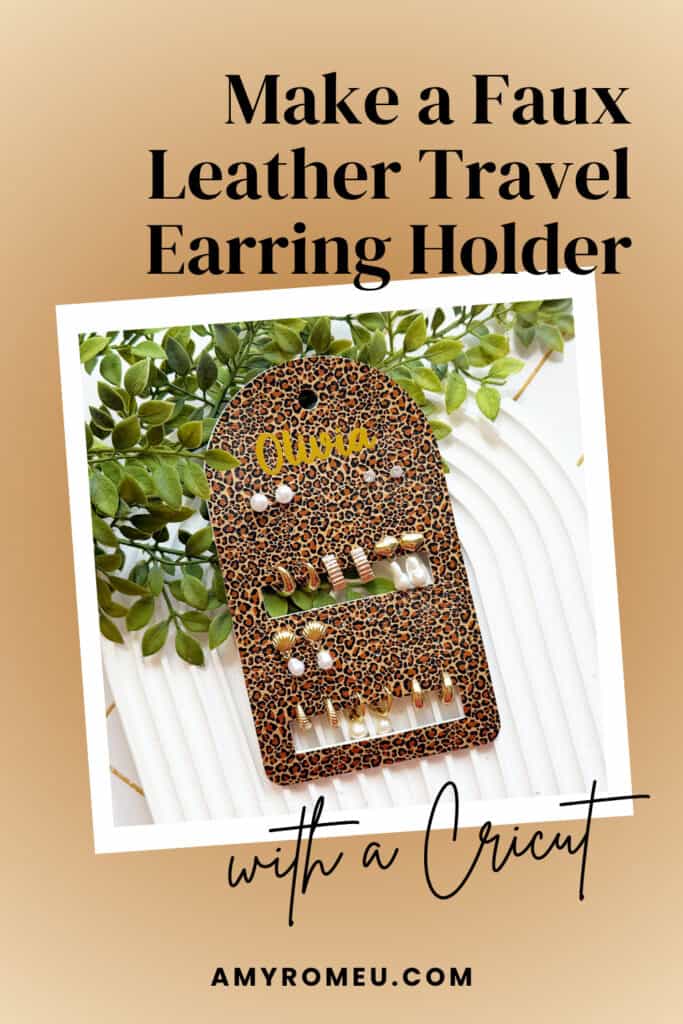
So I made her this cute, personalized faux leather travel earring holder that can hold both stud earrings and mini hoop earrings. Isn’t it cute?
Let me show you how to to make this Personalized Travel Earring Holder using faux leather, heat transfer vinyl, and your Cricut!
You can make this project with any of the Cricut Maker, Explore, or Joy machines with just the regular fine point blade.
Ready to get started with this fun faux leather Cricut craft tutorial? Let’s dive into the materials and steps!
Step 1: Get the SVG Template
Want just the SVG? You can get it in my SVG shop for personal or small commercial use here.

CLUB PROJECT
Want the SVG + Full Video Tutorial?
This project (and hundreds more!) are available inside the Faux Leather Crafters Club!✂️
Join the Club to get the SVG file and a complete step-by-step video tutorial, plus a new faux leather project for your Cricut every week. Enjoy our Club community with over 750 happy members for plenty of inspiration to keep you crafting with confidence.
Step 2: Shop the Supplies
This page contains some affiliate links (which means if you make a purchase after clicking a link, I will earn a small commission at no additional cost to you). Read my full disclosure policy here.
Compatible Machines✅: Cricut Maker, Cricut Maker 3, Cricut Maker 4, Cricut Maker 5, Cricut Explore Air 2, Cricut Explore 3, Cricut Explore 4, Cricut Explore 5, Cricut Joy Xtra, Cricut Joy & Cricut Joy 2 (with the 12 inch long Joy mat)
Not Compatible Machines❌: none
Blade Used: Standard Fine Point Blade
Cut Setting Used✂️: Faux Leather (Paper Thin) with “More” pressure
- Faux Leather & Heat Transfer Vinyl
- Faux Leather of your choice. I used this Leopard print from my favorite faux leather supplier. I ordered 9×12 size, Portrait orientation, and Regular scale.
- I used foil iron on in Gold from TeckWrap Craft, but you can use the heat transfer vinyl of your choice if you want to personalize this project with text. (Unfortunately this foil iron on may be out of stock or discontinued so I can’t provide an active link. Cricut does have some colors of Foil Iron On here.)
- Other Supplies
- Beacon Fabri-Tac or other good fabric or craft glue (Bearly Art Glue or Aleene’s Fabric Glue are two good ones.)
- Purple Strong Grip cutting mat
- Blue Painter’s Tape
- Weeding Tool
- Small Curved Scissors
- Ribbon of your choice, or Carabiner Clips or O-Rings (optional)
- Cursive Font I used for name – Peanut Butter (free from dafont.com)
🛒 To shop many of these supplies in my Amazon storefront, click here. 🛒
Step 3: Make the Project
Set Up Your Design
- Open a new canvas in Cricut Design Space.
- Upload the SVG file of your choice for this earring holder project. There are two options to choose from, one for stud earrings only and one for studs and mini hoops, as shown in the sample image.
- If you’d like to add custom text to this design, click on the text tool and create your desired text. Then size the text so that it fits on the front at the top of the earring holder, as seen in the sample image.
- You can change your font if desired as well. I have linked the font that I used in the materials list for this project.
Prepare to Cut
- Click Make It.
- Mirror your mats since you’ll be cutting the faux leather and heat transfer vinyl face down.
- For the faux leather mat, choose the Faux Leather (Paper Thin) material setting with More pressure for the faux leather mat.
- Trim a piece of faux leather just slightly larger than the size shown in the mat preview screen for the earring holder shapes.
Cut the Faux Leather
- Place the faux leather for the earring holder shapes pretty side down on a Strong Grip (purple) mat.
- Secure all edges with blue painter’s tape.
- Load the mat into your Cricut.
- Press the C button to begin cutting.
- When the cut is complete, without unloading the mat, use a sharp tool to gently lift the edge and check the cut.
- Repeat the cut if necessary by pressing the cut button again.
- Once the cut is complete, unload the mat and remove the shapes.
- Use a sharp weeding tool to poke through all the holes in the pattern pieces.
Cut & Press the Heat Transfer Vinyl
- Cut the heat transfer vinyl using a green standard grip mat and the manufacturer’s recommended cut settings for your brand & type of HTV.
- Weed away the excess HTV.
- Preheat an Easy Press to 265 degrees or set an Easy Press Mini to the Low setting.
- Layer the name vinyl onto the one of the earring holder shapes. Cover with a Teflon sheet or cover sheet and press for 5-7 seconds at a time.
- If you are using metallic foil iron-on like I did, I recommend letting the pressed heat transfer vinyl cool completely before you try to peel the carrier sheet.
- Remove the Teflon sheet and try to peel away the clear vinyl cover sheet. If the vinyl lifts up with the cover sheet, place it back down and press again.
- Place the pressed faux leather shape underneath your heat pressing pad for a minute or two so it can cool flat.
Glue the Holder
- Spread fabric glue or craft glue on the back of one of the halves of the earring holder. Press the other shape on top and line up the sides.
- Poke the holes in the holder with a weeding tool to clear out any glue before it dries.
- Place the glued earring holder under a heavy book for an hour to let it dry flat.
Finish the Earring Holder
- Use a piece of ribbon to create a tie to hang the earring holder from, or a large carabiner clip or some other type of hardware of your choice to finish off this project.
That’s it! Your Personalized Faux Leather Travel Earrings Holder is complete!
Answers to your questions about making a Travel Earring Holder with a Cricut
Q: Which Cricut machines will cut faux leather?
A: You can cut faux leather with any of the current Cricut machines because they all cut faux leather with the standard fine point blade included with each machine. For this project you can use any of the Cricut Explore series, Maker Series, or Cricut Joy Xtra, Cricut Joy or Cricut Joy 2 machines (for the Joy machines use the 12 inch long mat).
Q: What glue do I use with faux leather?
A: I like to use Beacon Fabri-Tac for gluing faux leather because it spreads thinly and evenly without clumps and it doesn’t absorb into the faux leather. It also cleans up easily with just a finger wipe or a paper towel. It dries nice and flat for a very smooth finish. However you can also use a good craft glue like Bearly Art Glue – however you will need to apply more than Beacon Fabri-Tac because Bearly Art Glue tends to absorb into the faux leather backing.
Q: How do I get the SVG template for this project?
A: You can get it from my SVG shop here, or get it along with hundreds of other faux leather SVG files inside my Faux Leather Crafters Club! Learn more about the Club here.
Q: Is there a video tutorial for this project?
A: You can watch a quick Instagram reel about making this project here.
Get the SVG in my Shop
Personal or Small Commercial Use Available
More faux leather Cricut projects you’ll love

Want to remember this project? Save this tutorial to your favorite Pinterest board!
Want instant access to my Free Resource Library full of SVG files?
Just Enter your name and email Below!
By signing up, you’ll get instant access to my FREE SVG Library with hundreds of crafting SVG templates! You’ll also get my weekly newsletter full of crafting ideas, tutorials, and inspiration! Unsubscribe anytime.