How to Make Faux Leather Travel Motel Keychains with a Cricut
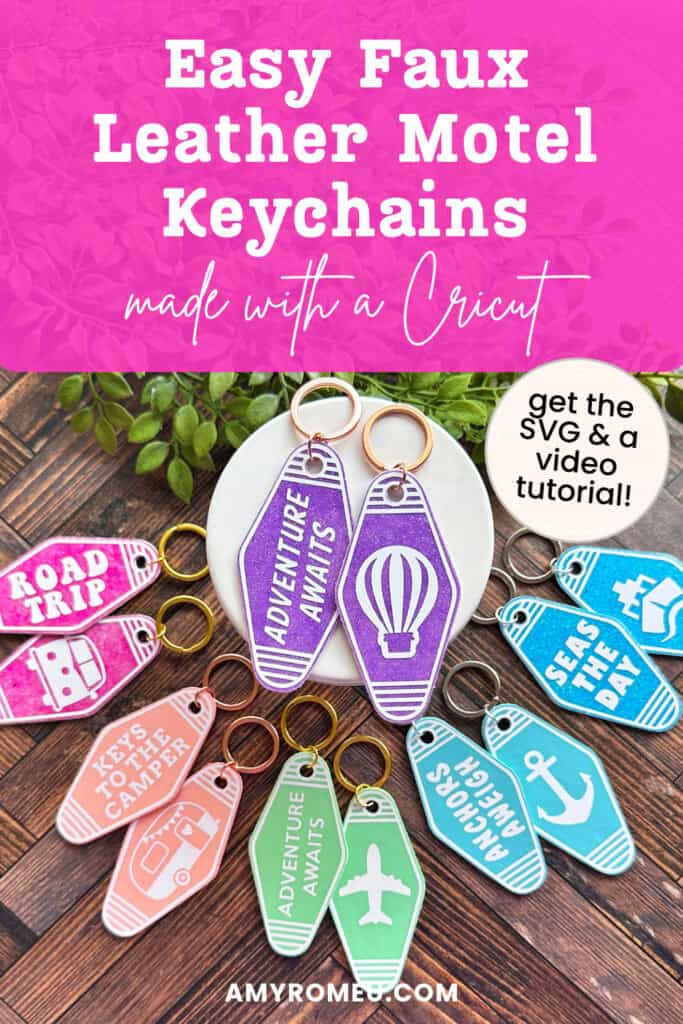
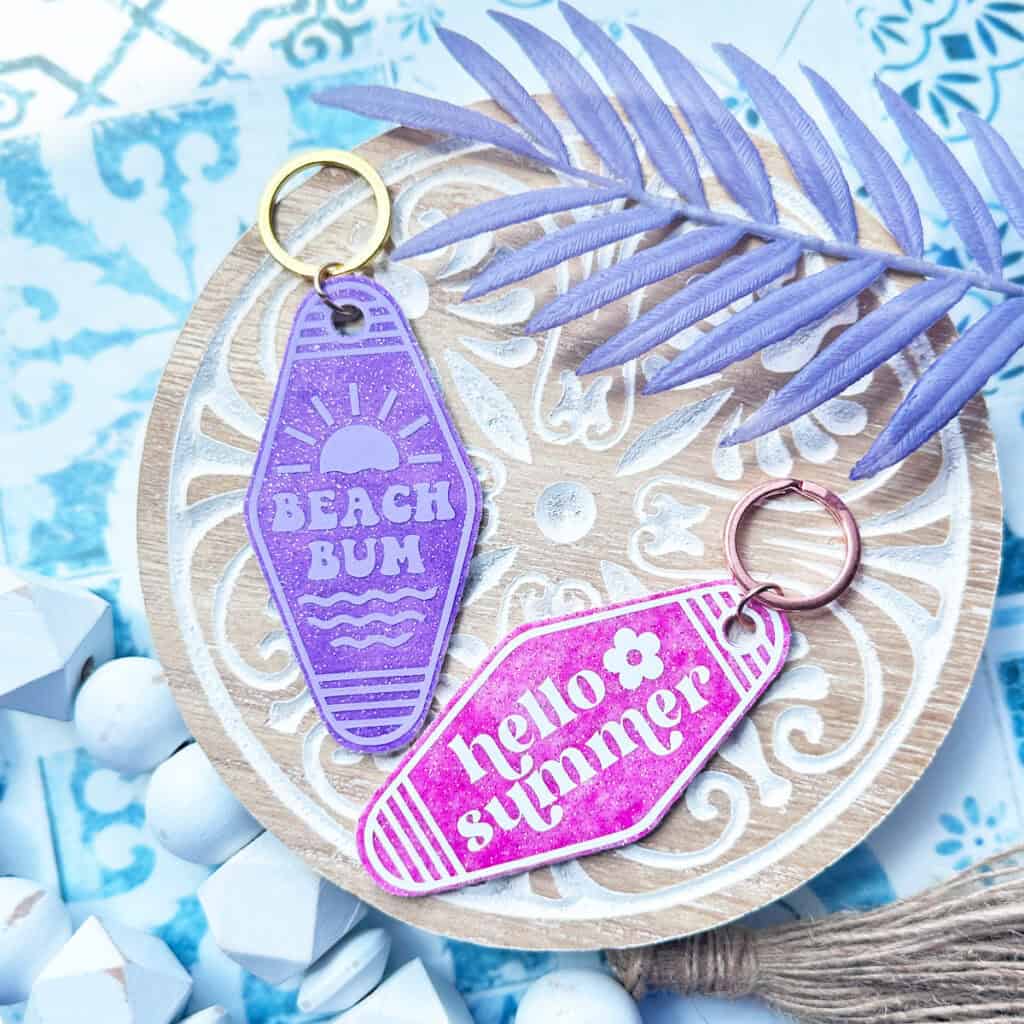
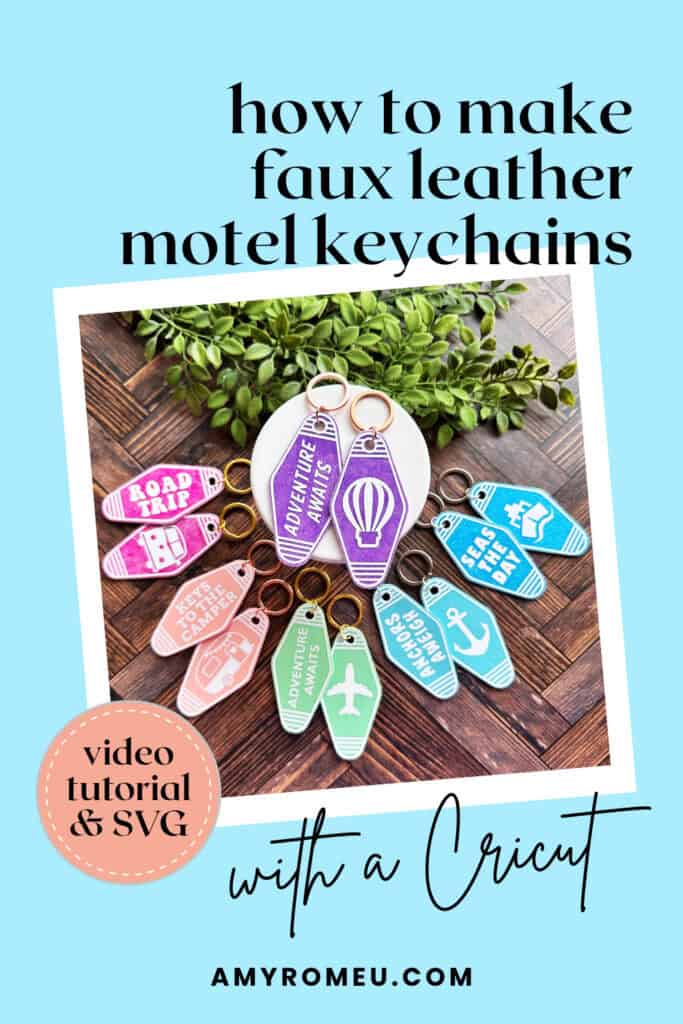
Get ready to craft your next favorite Cricut project – these trendy travel themed motel style keychains made with faux leather and a Cricut!
In this step-by-step tutorial, I’ll show you how to make these DIY faux leather keychains using your Cricut cutting machine.
Whether you’re dreaming of a road trip, planning your next cruise, or just love cute and functional travel crafts, these retro motel keychains are the perfect project for beginner and advanced Cricut crafters alike.
They also make great handmade gifts or items to sell at craft fairs!
Ready to get started? Let’s dive right in!
✂️Want the SVG for this project? Get it in my shop here.
Step 1: Get the SVG Template
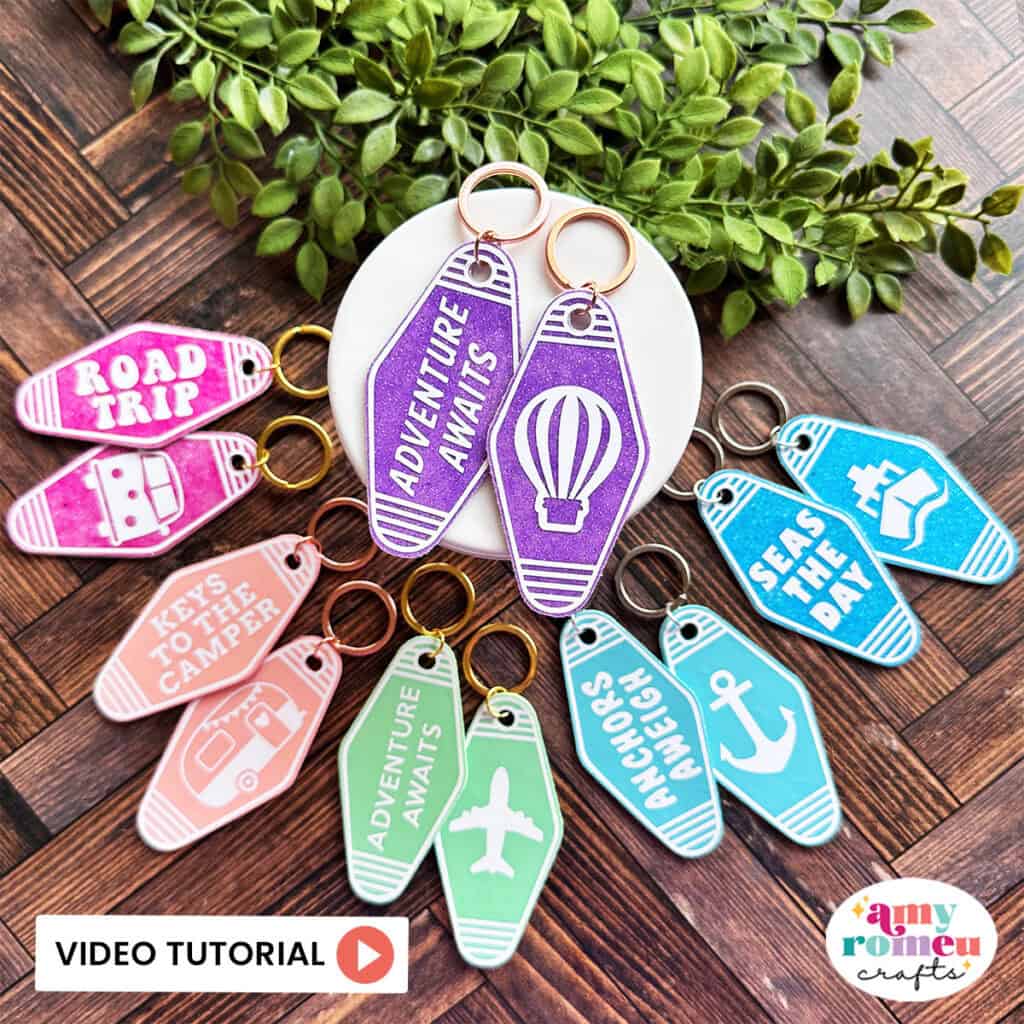
Get the SVG in my Shop
Personal or Small Commercial Use Available
Step 2: Shop the Supplies
This page contains some affiliate links (which means if you make a purchase after clicking a link, I will earn a small commission at no additional cost to you). Read my full disclosure policy here.
Compatible Machines✅: Cricut Maker, Cricut Maker 3, Cricut Maker 4, Cricut Explore Air 2, Cricut Explore 3, Cricut Explore 4, Cricut Joy Xtra, Cricut Joy
Blade Used: Standard Fine Point Blade
Cut Setting Used✂️: Faux Leather (Paper Thin) with “More” pressure
- Faux Leather
- I used solid faux leathers from this collection of solid faux leathers and these glossy glitters. Many of the same colors are available in non-glossy here. See more glossy faux leathers here.
- Heat Transfer Vinyl
- Whatever you want to use! I used Siser Easyweed in White.
- Other Project Supplies
- Other Cricut Supplies
- Purple Strong Grip Mat
- Weeding Tool like a Pin Pen or like the one in the Cricut Basic Tool Set
- Cricut EasyPress Mini
- EasyPress Mat, 8×10 size
🛒 To shop many of these supplies below in my Amazon storefront, click here.
Step 3: Watch the Video Tutorial
See the full step by step video tutorial
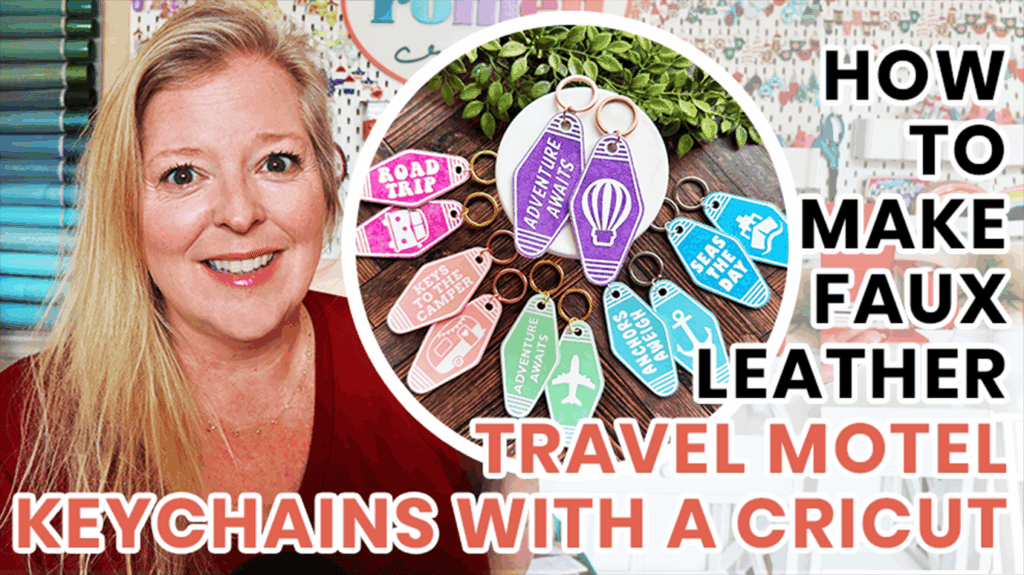
Click the image below to watch the video on my YouTube channel, or click here.
Answers to your questions about making Faux Leather Motel Keychains with a Cricut
Q: Which Cricut machines will cut faux leather?
A: You can cut faux leather with any of the current Cricut machines because they all cut faux leather with the standard fine point blade included with each machine. For this project you can use the Cricut Maker, Cricut Maker 3, Cricut Maker 4, Cricut Explore 4, Cricut Explore 3, Cricut Explore Air 2, the Cricut Joy Xtra or the Cricut Joy.
Q: What do I need to press heat transfer vinyl onto faux leather?
A: To press heat transfer vinyl onto faux leather you’ll need a traditional heat press, Cricut EasyPress, or Cricut EasyPress Mini. I used a Cricut EasyPress Mini for this project because it’s great with pressing small projects like earrings, keychains, and accessories.
Q: How do I get the SVG template for this project?
A: Get the SVG file from my SVG Shop here.
Get the SVG in my Shop
Personal or Small Commercial Use Available
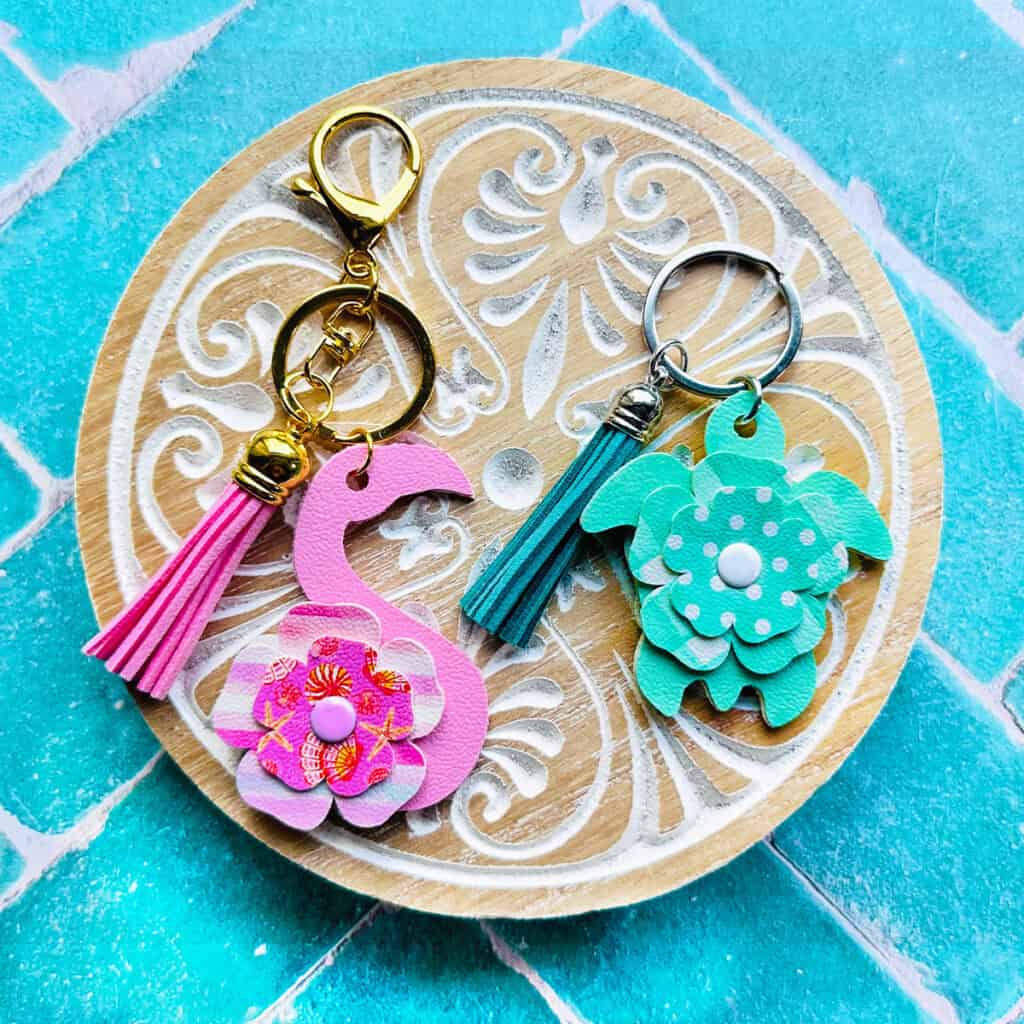
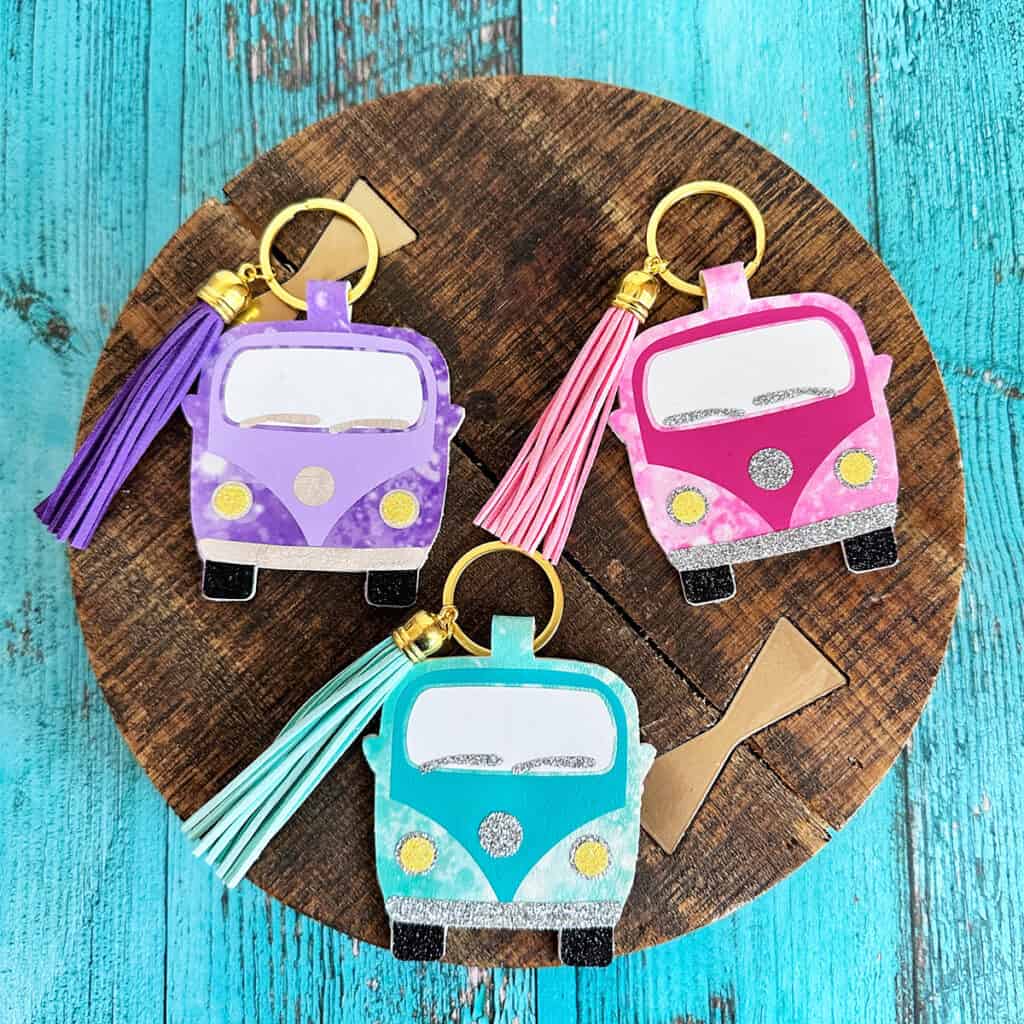
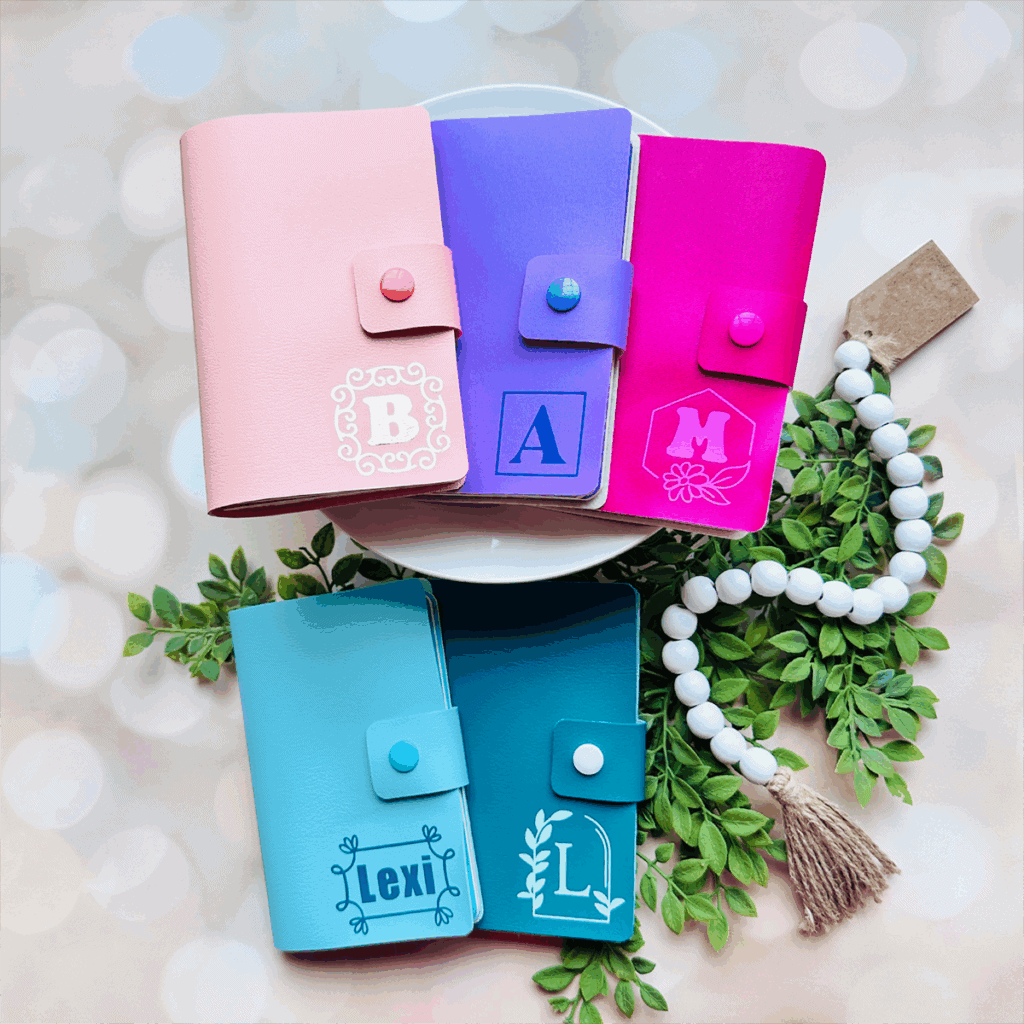
Also available in my SVG Shop
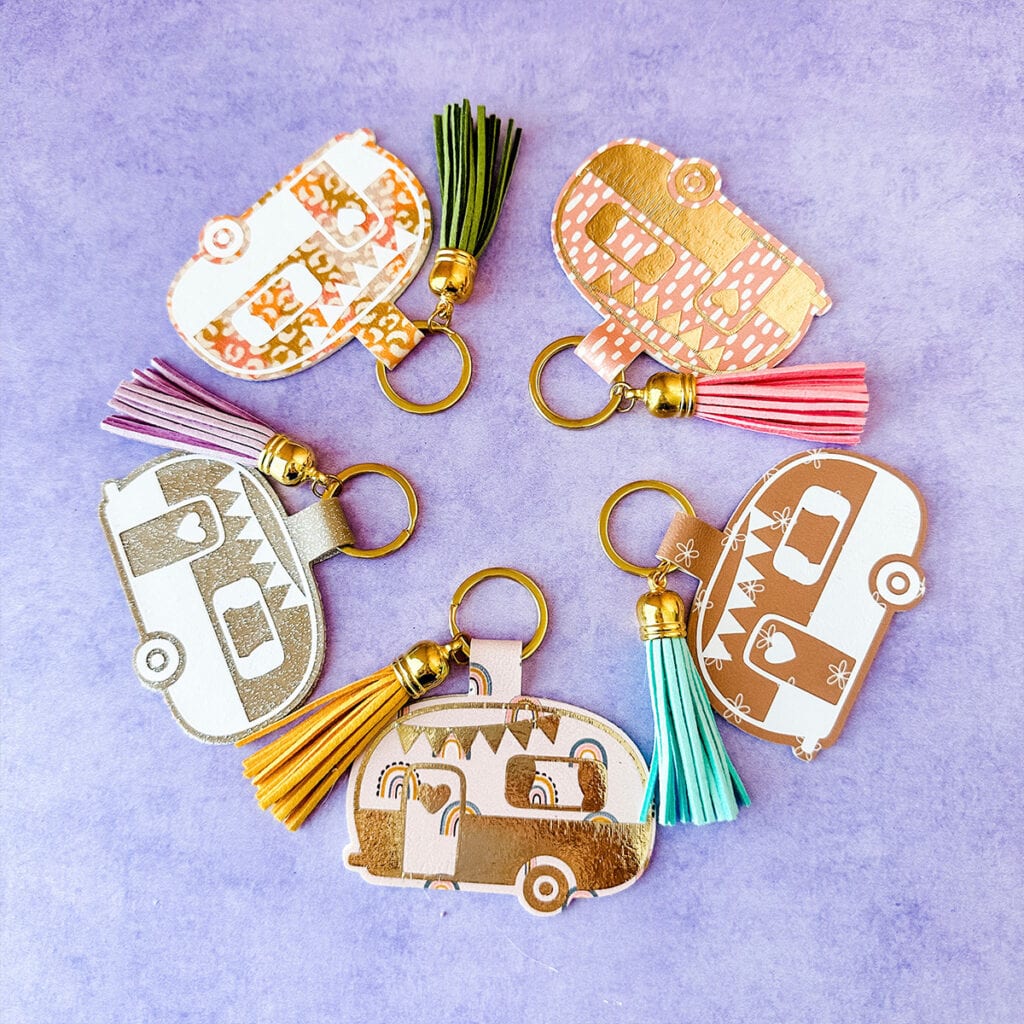
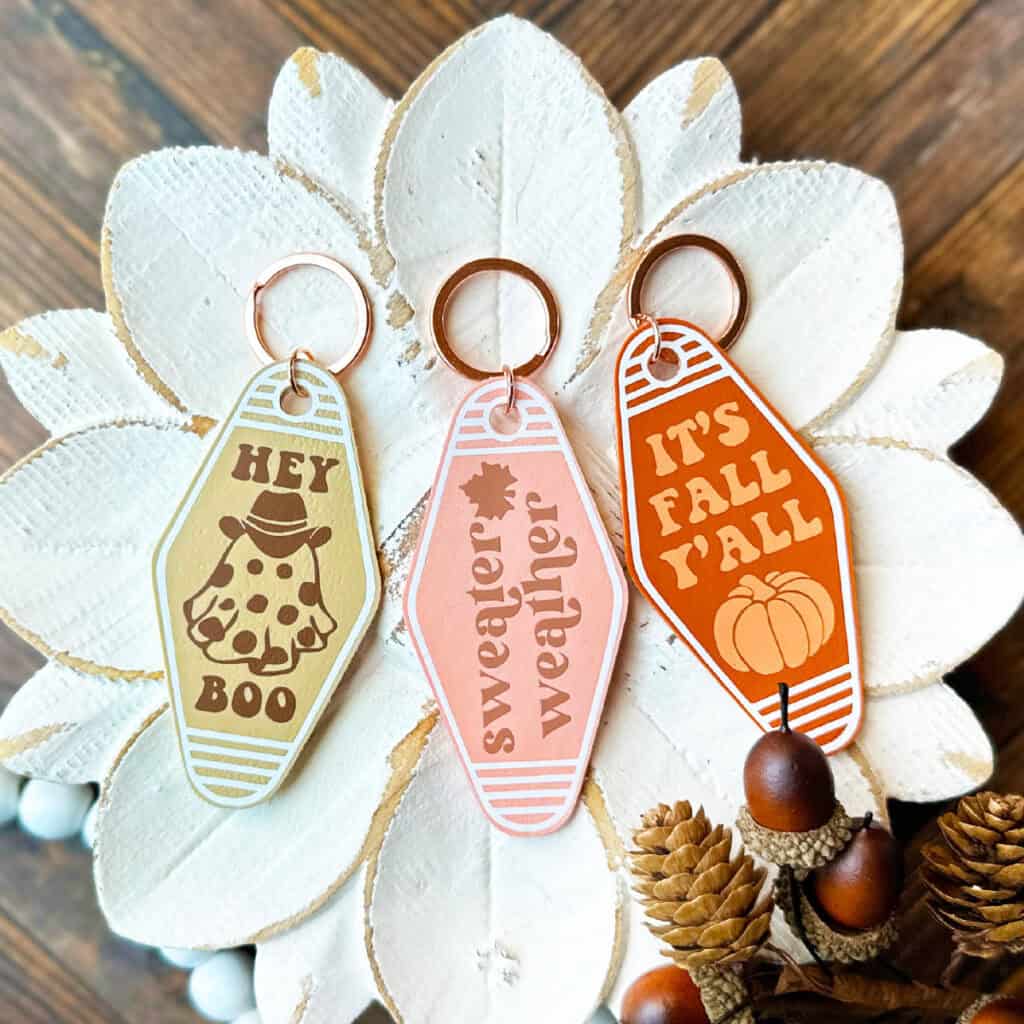
Share Your Work & Ask Questions
I would love to see what you have created! Please join my free faux leather crafting making Facebook group and share your creations with me and all of my crafting friends!
Until next time… and happy creating!

Pin this project to your favorite Pinterest board!
Want instant access to my Free Resource Library full of SVG files?
Just Enter your name and email Below!
By signing up, you’ll get instant access to my FREE SVG Library with hundreds of crafting SVG templates! You’ll also get my weekly newsletter full of crafting ideas, tutorials, and inspiration! Unsubscribe anytime.