How to make a Faux Leather Holiday Purse Charm with a Cricut
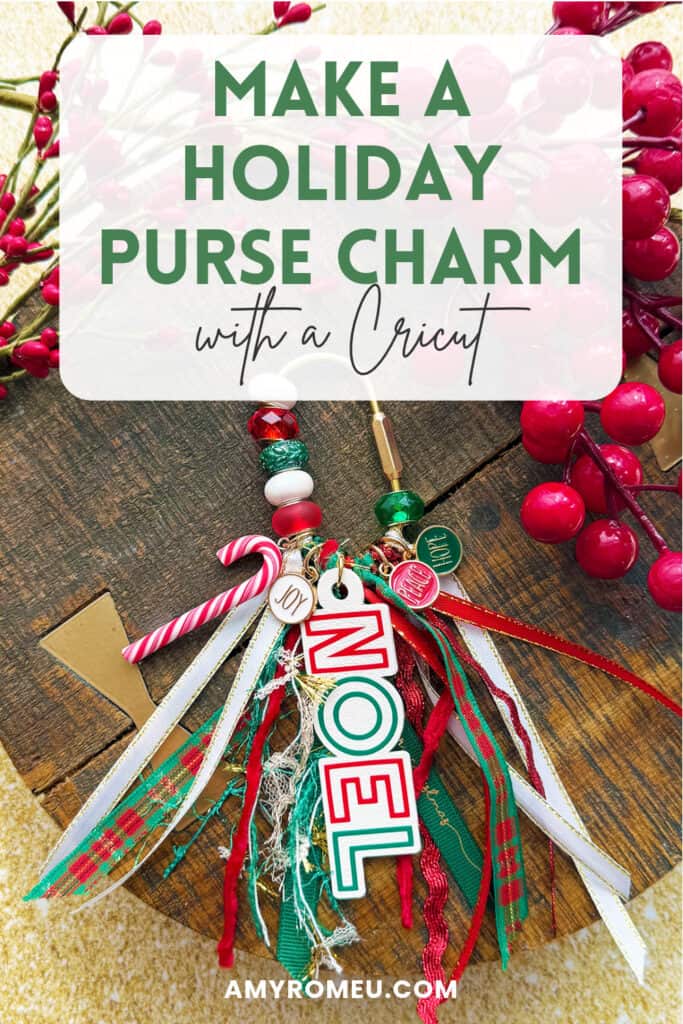
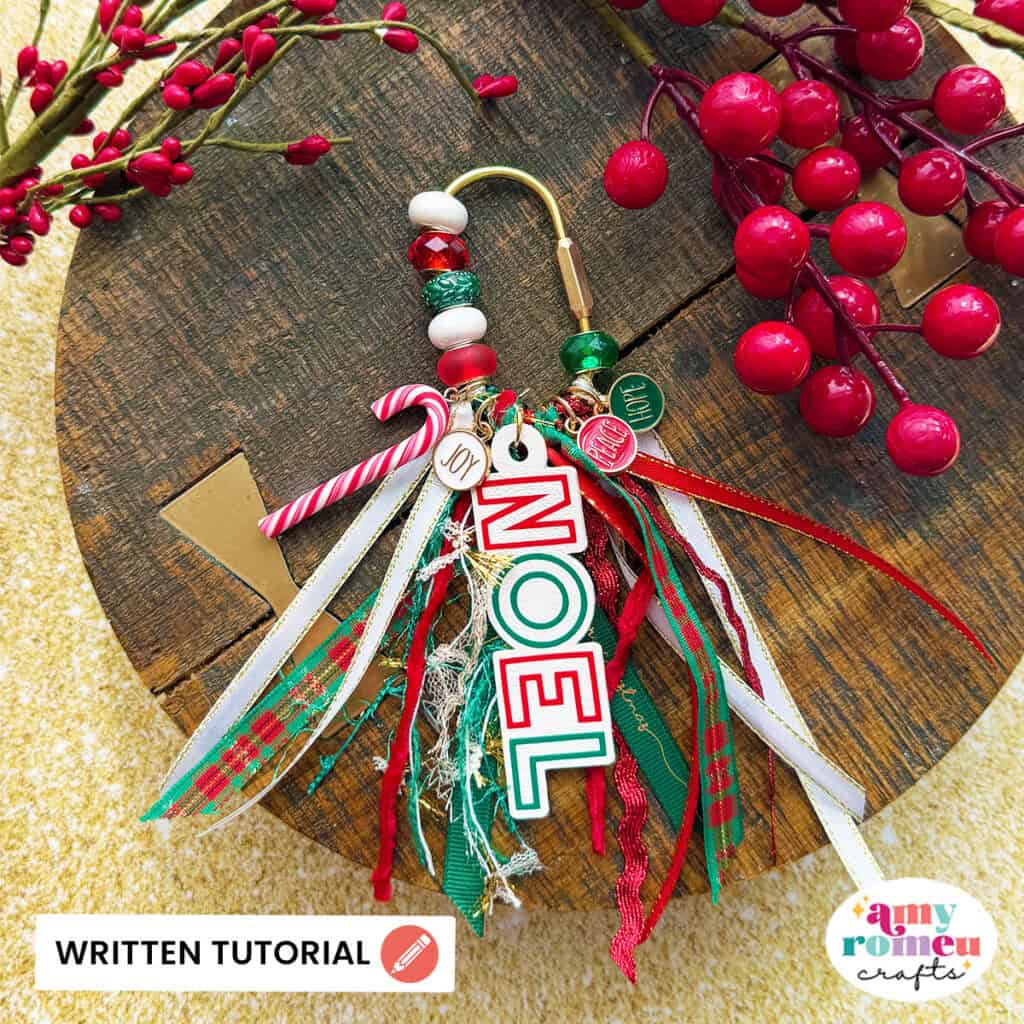
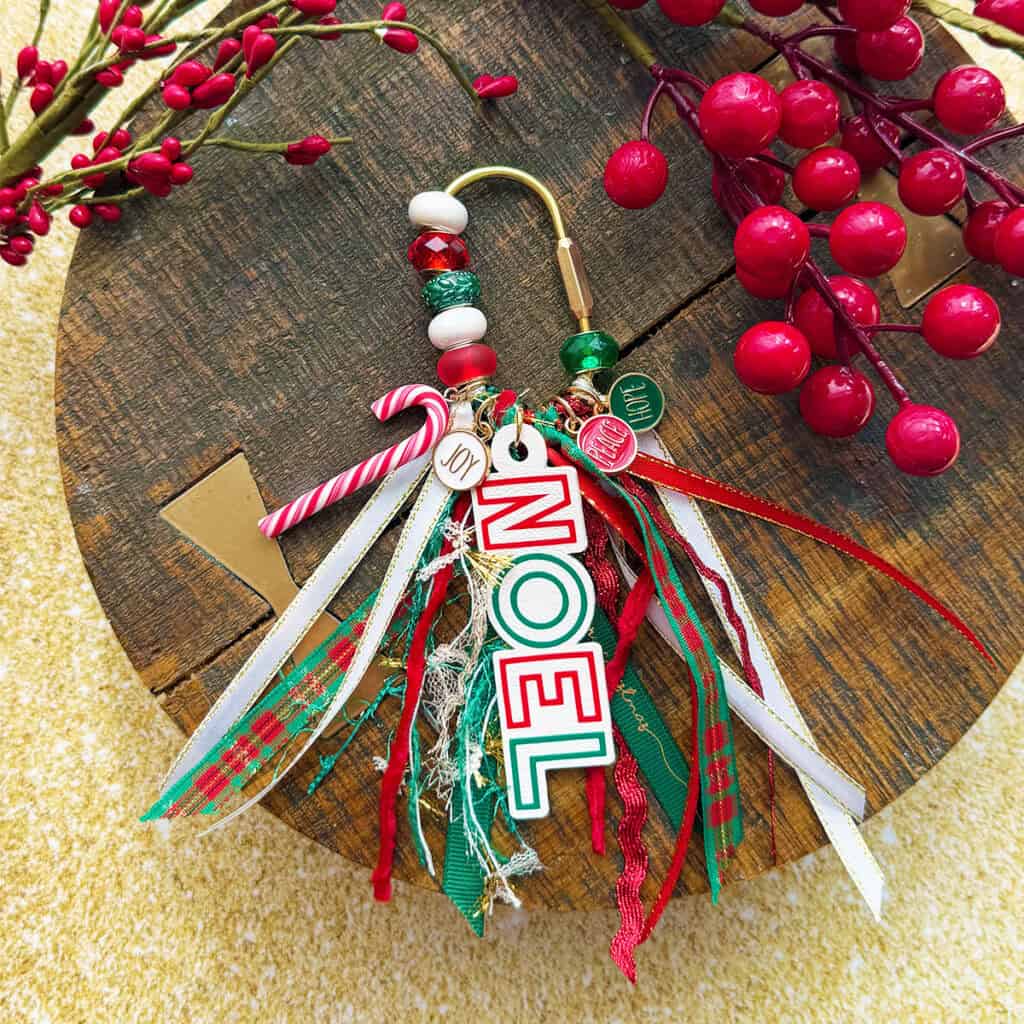
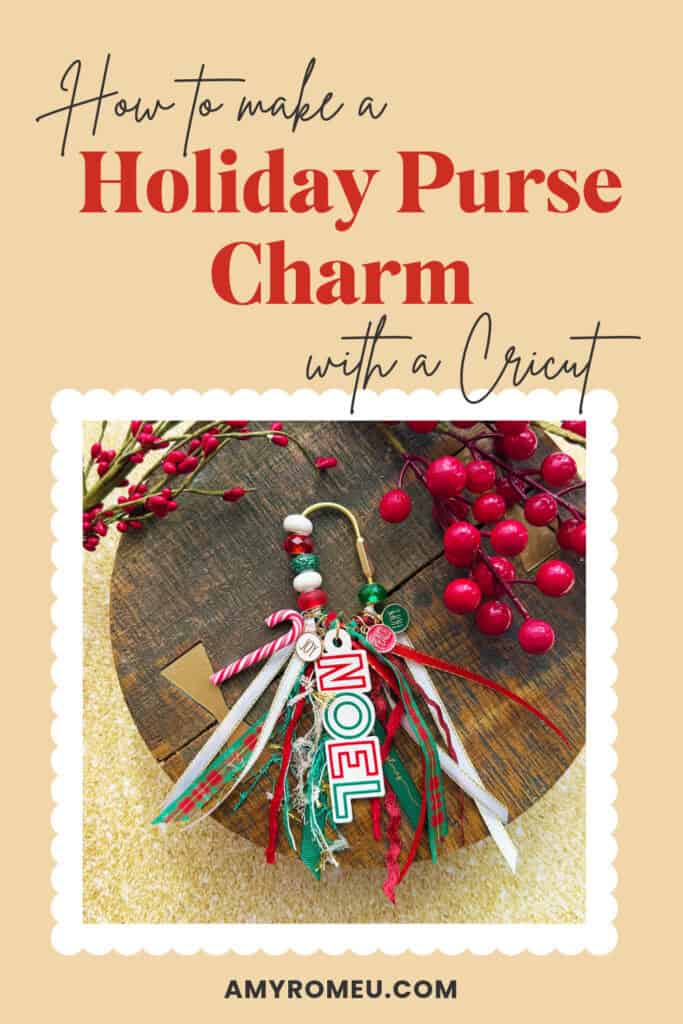
This Faux Leather Holiday Purse Charm made with a Cricut is the perfect holiday accessory for your bag or purse.
Cut the NOEL charm from faux leather and heat transfer vinyl. Then add fun ribbons and charms to a large carabiner clip to create a one of a kind holiday accessory!
The SVG file is available in my shop if you want to make this project.
Ready to get started? Let’s dive into the materials and steps!
Step 1: Get the SVG Template
Get the SVG in my Shop
Personal or Small Commercial Use Available
Step 2: Shop the Supplies
This page contains some affiliate links (which means if you make a purchase after clicking a link, I will earn a small commission at no additional cost to you). Read my full disclosure policy here.
Compatible Machines✅: Cricut Maker series, Cricut Explore series, Cricut Joy Xtra, Cricut Joy 2, Cricut Joy
Not Compatible Machines❌: none
Blade Used: Standard Fine Point Blade
Cut Setting Used✂️: Faux Leather (Paper Thin) with “More” pressure
- Faux Leather & Heat Transfer Vinyl
- I used this solid white for the base layer, but you could use any solid or print you’d like.
- I used Siser Easyweed in Red and Green for the letters, but choose any HTV you want to use.
- Other Project Supplies
- Craft glue or fabric glue to glue the charm together. I used Beacon Fabri-Tac.
- Keychain hardware of your choice – I used these large Carabiner Clips
- Ribbons of your choice – I used an assortment from Amazon here (that may be temporarily sold out) and this 1/4 inch ribbon from Amazon.
- Large Holed Beads – I used these and these
- Charms of your choice – I used these round Christmas word charms and this candy cane charm
- 10mm Jump Rings
- Flat nose jewelry pliers and chain nose jewelry pliers
- Blue Painters Tape
- Small Curved Scissors
- Teflon Sheets
- Other Cricut Supplies
- Purple Strong Grip Mat
- Green Standard Grip Mat
- Cricut EasyPress Mini
- Heat Pressing Pad, I use an 8×10 size
- Weeding Tool like a Pin Pen or like the one in the Cricut Basic Tool Set
🛒 To shop many of these supplies below in my Amazon storefront, click here.
Step 3: Make the Project
Set Up Your Design
- Open a new canvas in Cricut Design Space.
- Upload the Holiday Purse Charm SVG to your canvas.
Prepare to Cut
- Click Make It.
- Mirror your mat(s), since you’ll be cutting faux leather face down.
- Choose the Faux Leather (Paper Thin) setting with More pressure.
Cut the Faux Leather
- Place the faux leather pretty side down on a Strong Grip (purple) mat.
- Secure all edges with blue painter’s tape.
- Load the mat into your Cricut.
- Press the C button to begin cutting.
- When the cut is complete, without unloading the mat, use a sharp tool to gently lift the edge and check the cut.
- Repeat the cut if necessary by pressing the cut button again.
- Once the cut is complete, unload the mat and remove the shapes.
Cut the Heat Transfer Vinyl
- Return to Design Space and cut the heat transfer vinyl mats using the manufacturer’s recommended cut setting for the brand and type of heat transfer vinyl.
- Weed away the excess vinyl.
Press the HTV onto the Faux Leather
- Preheat an Easy Press to 265 degrees or set an Easy Press Mini to the Low setting.
- Place the faux leather NOEL charm on a heat pressing pad. Layer the N – E HTV layer on top.
- Cover with a Teflon sheet or cover sheet.
- Press for 5-7 seconds. Remove the Teflon sheet and try to peel away the clear vinyl cover sheet.
- If the vinyl lifts up, cover and press again in 5-second increments.
- Repeat with the O – L layer.
- Place the warm faux leather shape under your heat pressing pad to cool flat for one minute.
Glue the Charm Together
- Glue the front and back of the faux leather shapes together using fabric glue or craft glue.
- Place the glued NOEL charm under a heavy book for at least an hour to dry flat.
Add Ribbon & Charms to the Purse Charm
- Add large holed beads to the carabiner clip hardware as desired.
- Push the beads apart so there is empty space three beads wide at the bottom of the carabiner clip.
- Cut 8-inch-long sections of ribbon. Fold them in half and knot them onto the hardware.
- Trim the edges of the ribbon if necessary.
- Use flat nose jewelry pliers and a 10mm jump ring to attach the Noel charm to the hardware in the middle of the ribbon section.
- Use additional 10mm jump rings to add more charms as desired.
Your Holiday Purse Charm is complete! Enjoy this festive holiday accessory all season long.
Answers to your questions about making a Holiday Purse Charm
Q: Which Cricut machines will cut faux leather?
A: You can cut faux leather with any of the current Cricut machines because they all cut faux leather with the standard fine point blade included with each machine. For this project, you can use any of the Cricut Maker series machines, the Cricut Explore series machines, the Cricut Joy Xtra, the Cricut Joy 2, or the Cricut Joy.
Q: What do I need to press heat transfer vinyl onto faux leather?
A: To press heat transfer vinyl onto faux leather, you’ll need a traditional heat press, Cricut EasyPress, or Cricut EasyPress Mini. I used a Cricut EasyPress Mini for this project because it’s great for pressing small projects like earrings, keychains, and accessories. I set the EasyPress Mini to the Low setting and covered the HTV on the faux leather with a Teflon sheet before pressing for about 10 seconds. For a larger EasyPress, I set it to 265 degrees F.
Q: How do I get the SVG template for this project?
A: Get the SVG file from my SVG Shop here.
Get the SVG in my Shop
Personal or Small Commercial Use Available
Also available in my SVG Shop
Until next time… and happy creating!
Pin this project to your favorite Pinterest board!
Want instant access to my Free Resource Library full of SVG files?
Just Enter your name and email Below!
By signing up, you’ll get instant access to my FREE SVG Library with hundreds of crafting SVG templates! You’ll also get my weekly newsletter full of crafting ideas, tutorials, and inspiration! Unsubscribe anytime.